Features
Everything your family runs on.
Beautifully in one place.
Built for the busy kitchen wall: big type, simple taps, and nothing to set up twice.
Chores & routines
Chores they actually want to do.
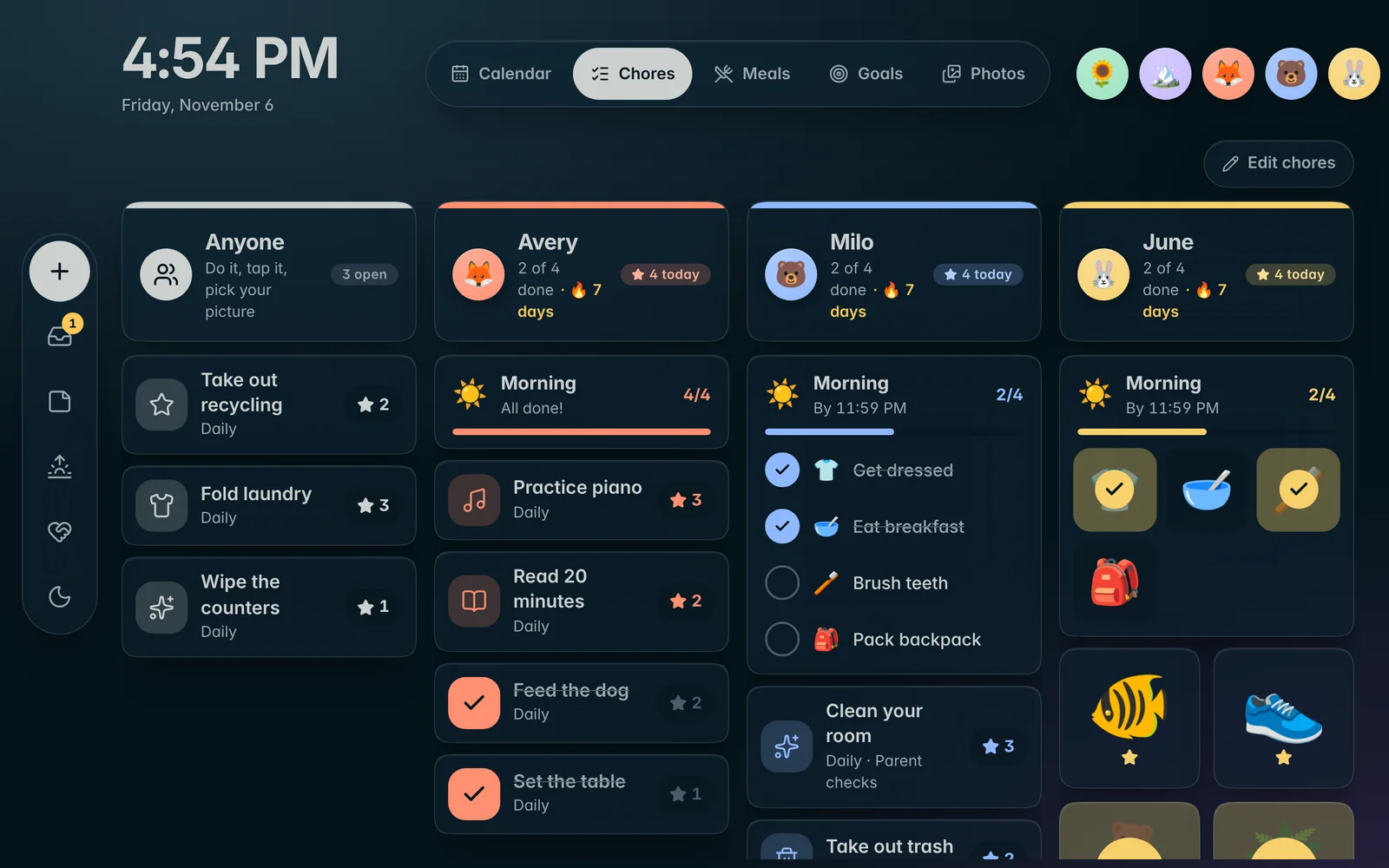
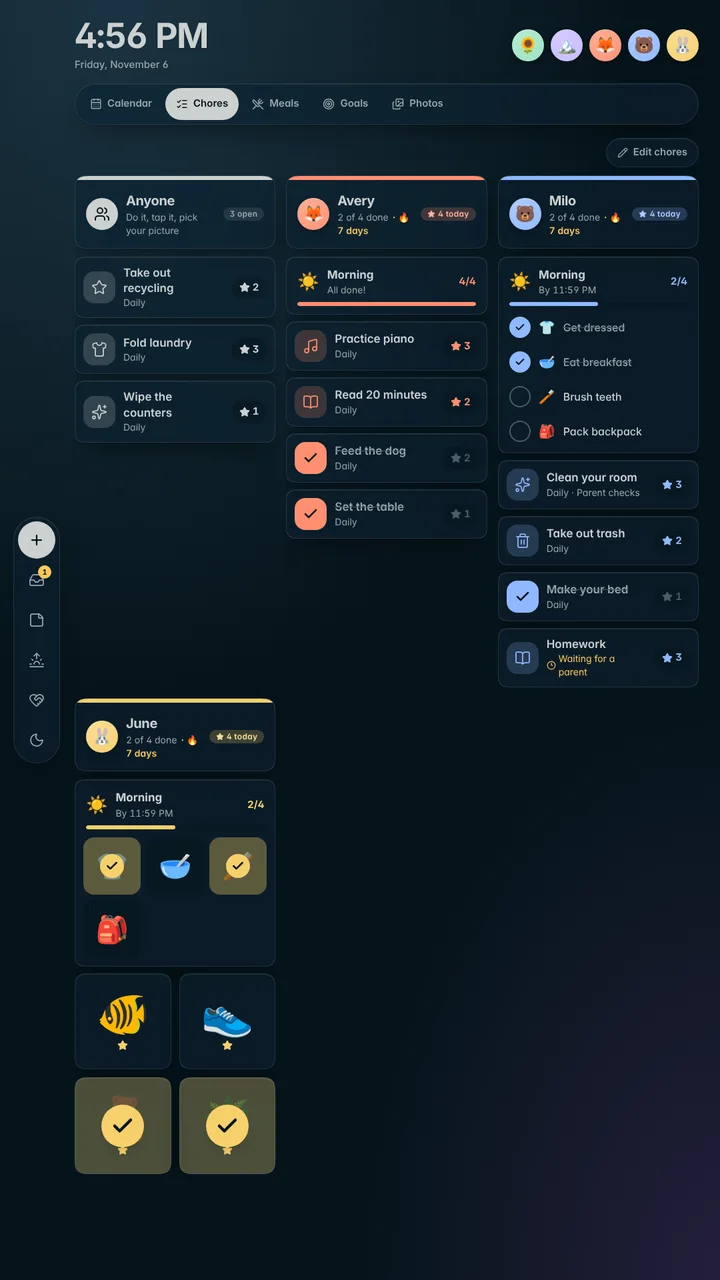
Every kid gets their own column. Tap a chore, pick your picture, watch the stars land. Little ones get big picture tiles instead of words.
Daily, weekly or take turns
Chores repeat on the days you choose, or rotate between kids a week at a time.
Routines with bonus stars Plus
Morning and bedtime checklists that show up at the right time, with a bonus when every step is done.
Parent approvals
Mark the chores that need a grown-up’s OK, and get a notification when one is waiting.
Shared chores
“Anyone” chores go to whoever does them first. No arguments about whose turn it was.
Picture mode for little ones
Preschoolers see big pictures they can tap without reading a word.
No passwords for kids
Kids just tap their picture. Only parents have a PIN, for settings and approvals.
Goals & rewards
Stars that add up to something.
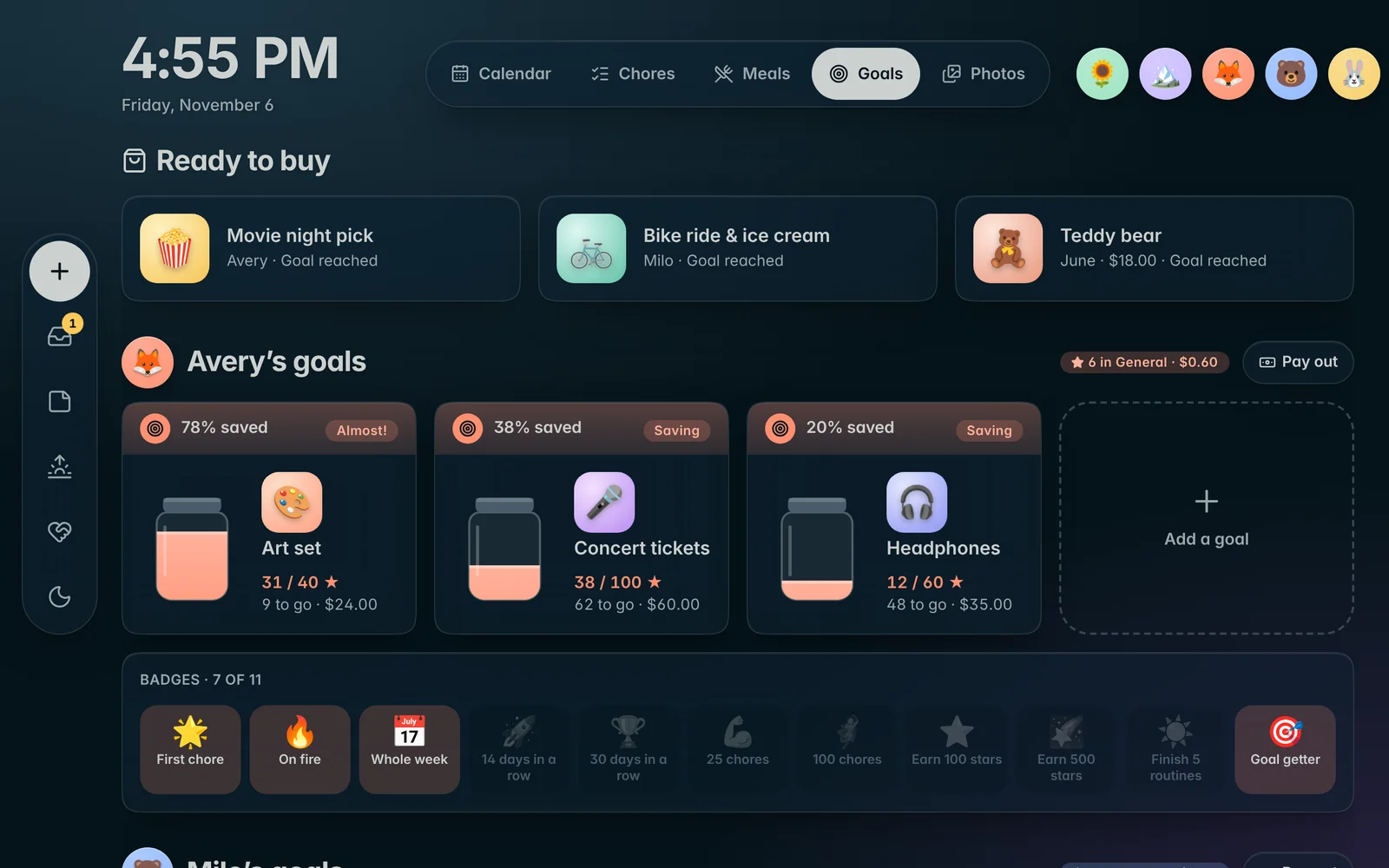
Kids pick what they’re saving for and watch the jar fill. Streaks earn badges, and stars can turn into allowance if you want.
- A goal jar for each thing they’re saving toward
- Badges for first stars, streaks and milestones
- Optional allowance: set what a star is worth, pay out in a tap
- A celebration on the wall when a goal is reached
Calendar
Every calendar, side by side.
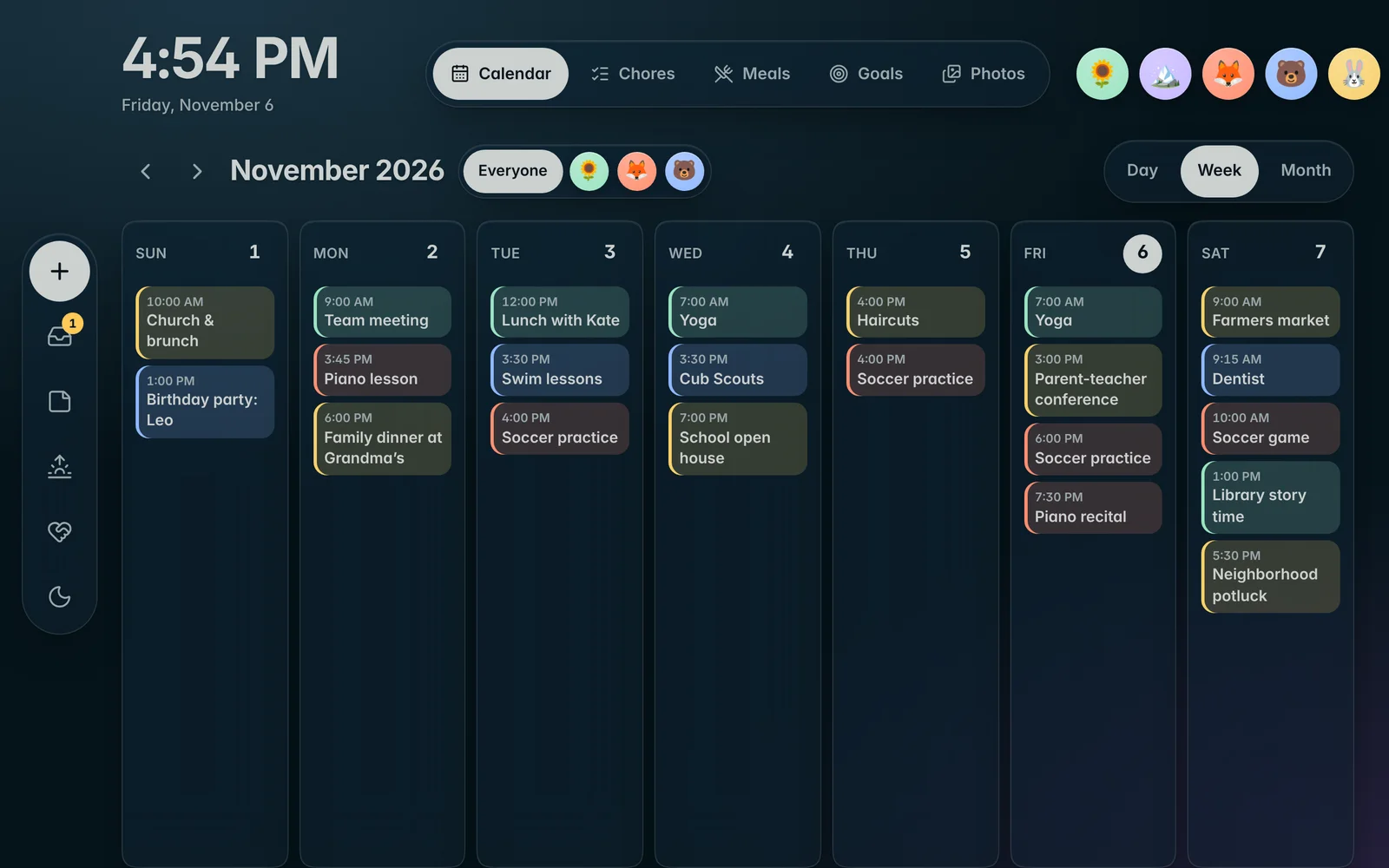
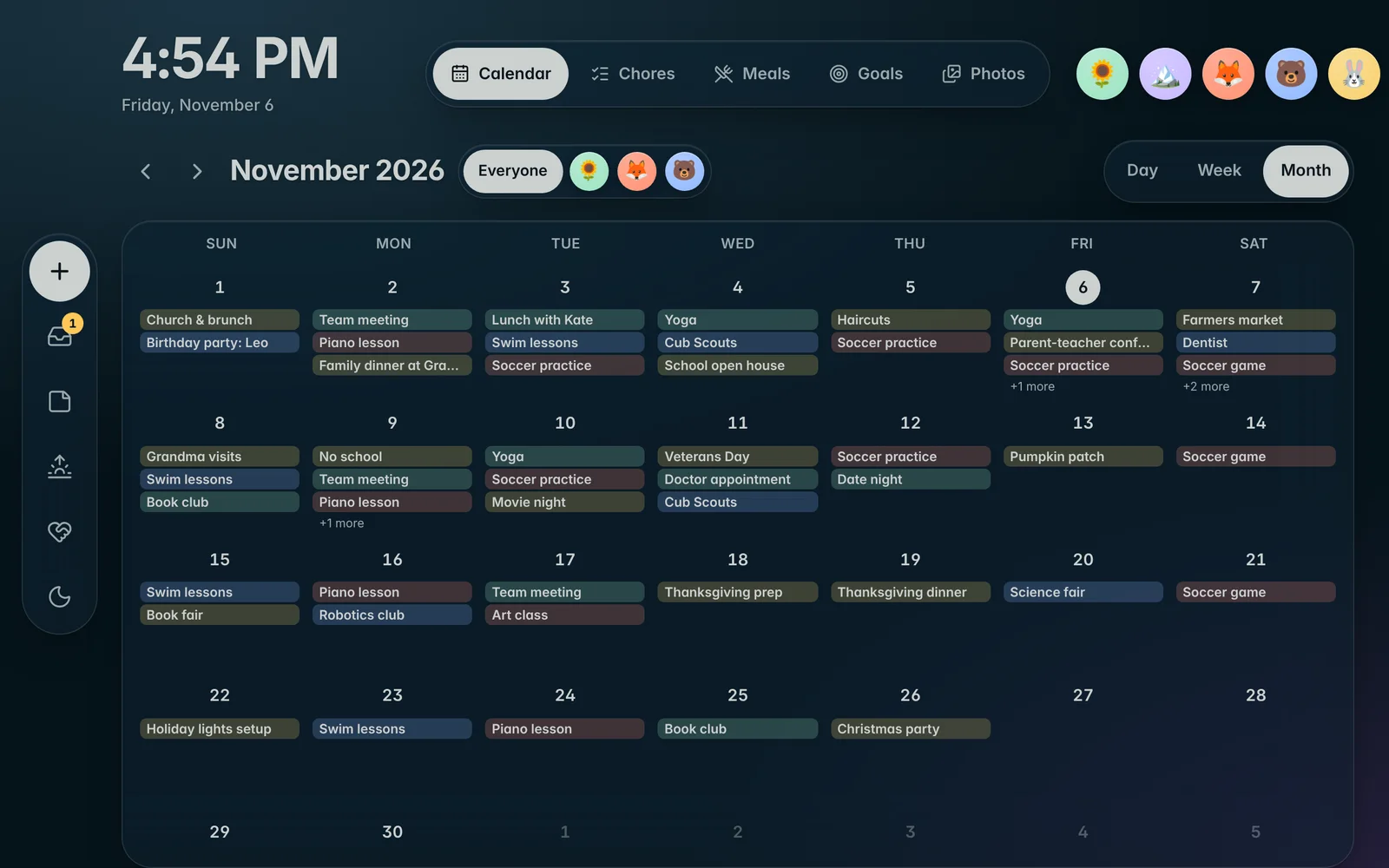
Bring in the Apple and Google calendars your family already uses. Novari keeps them in sync and shows the week the way a family actually reads it.
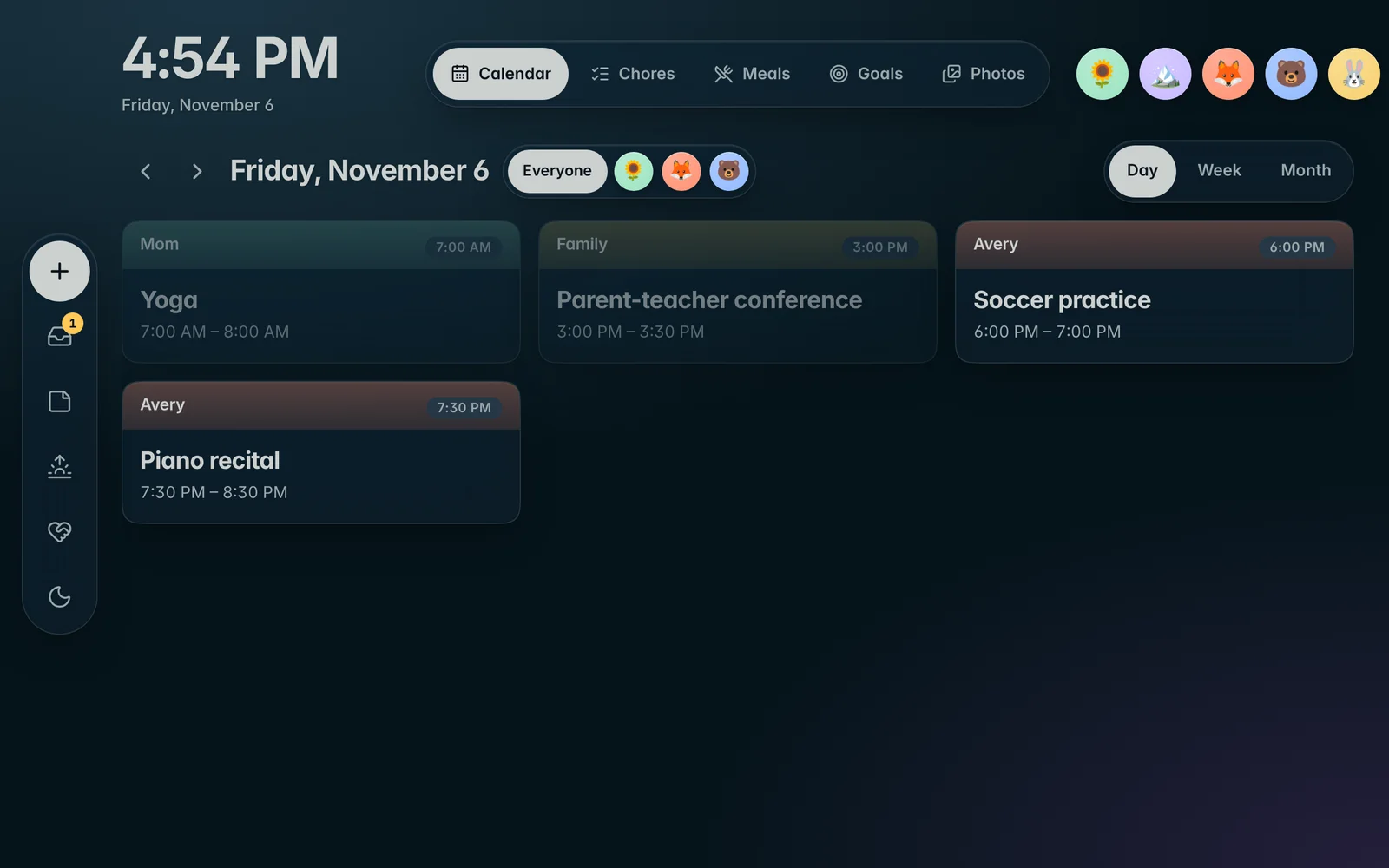
Apple and Google
Add any shared or public calendar link. Changes show up on their own.
Color by person
Choose whose calendar each one is, so everyone spots their own events.
Day, week or month
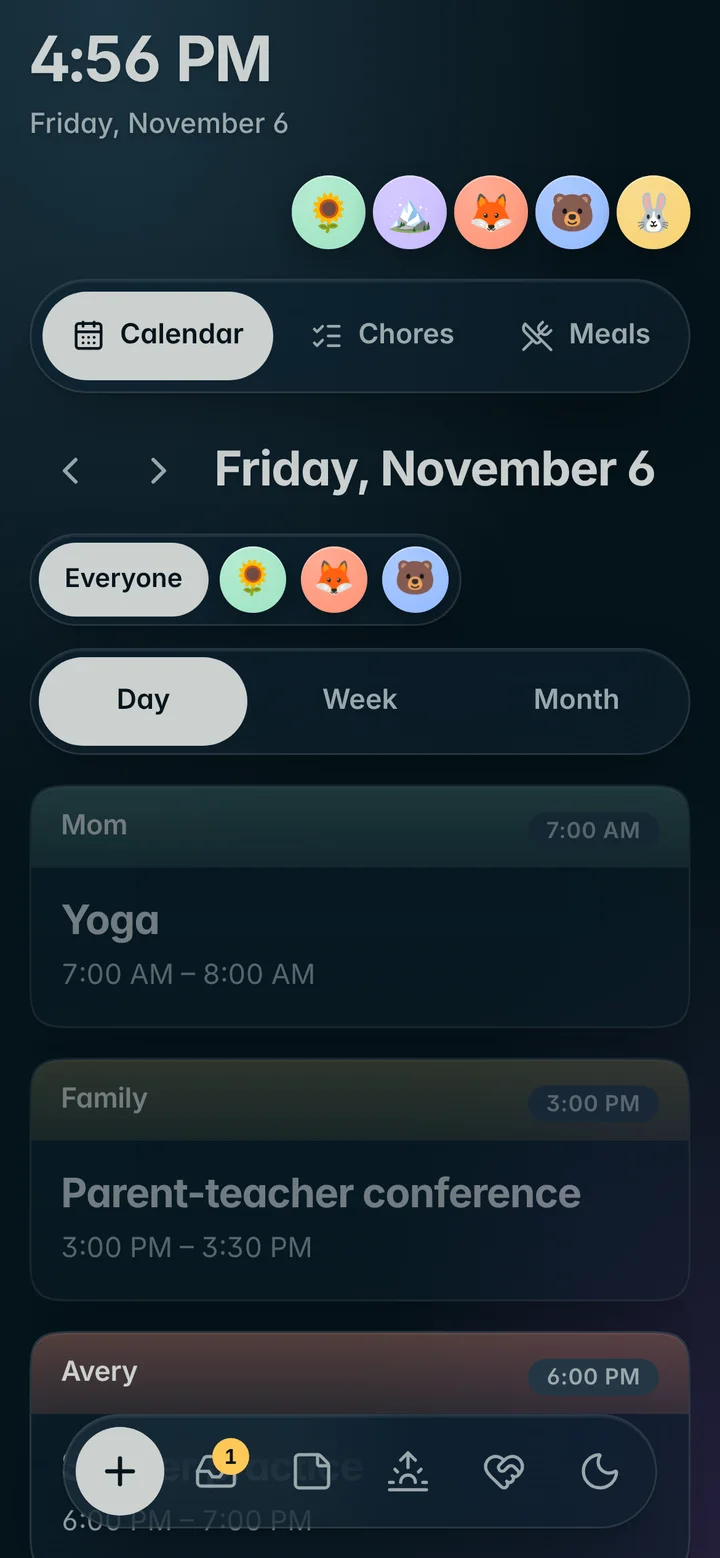
Big, readable views for the wall, and a simple list on phones.
Meals & recipes
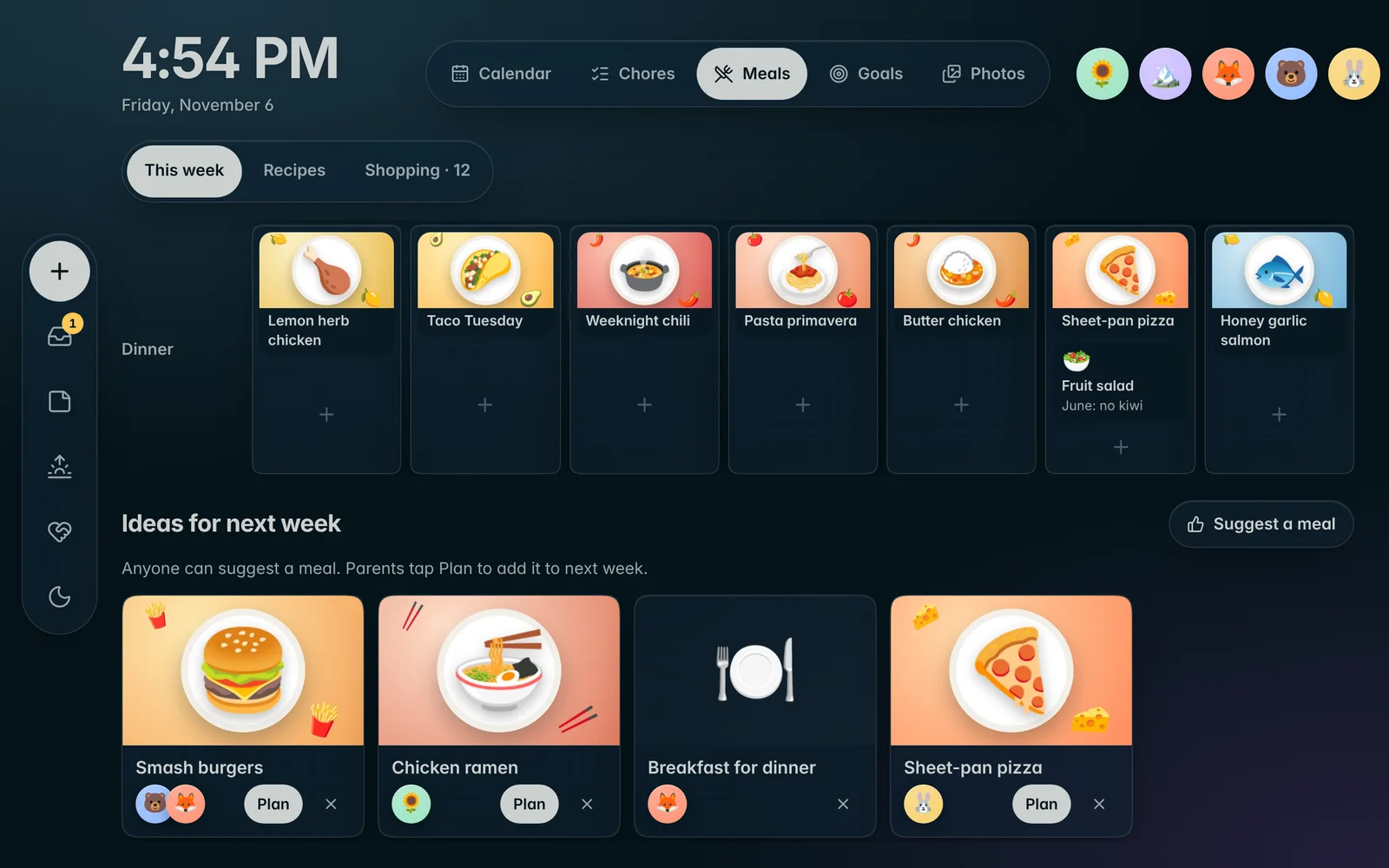
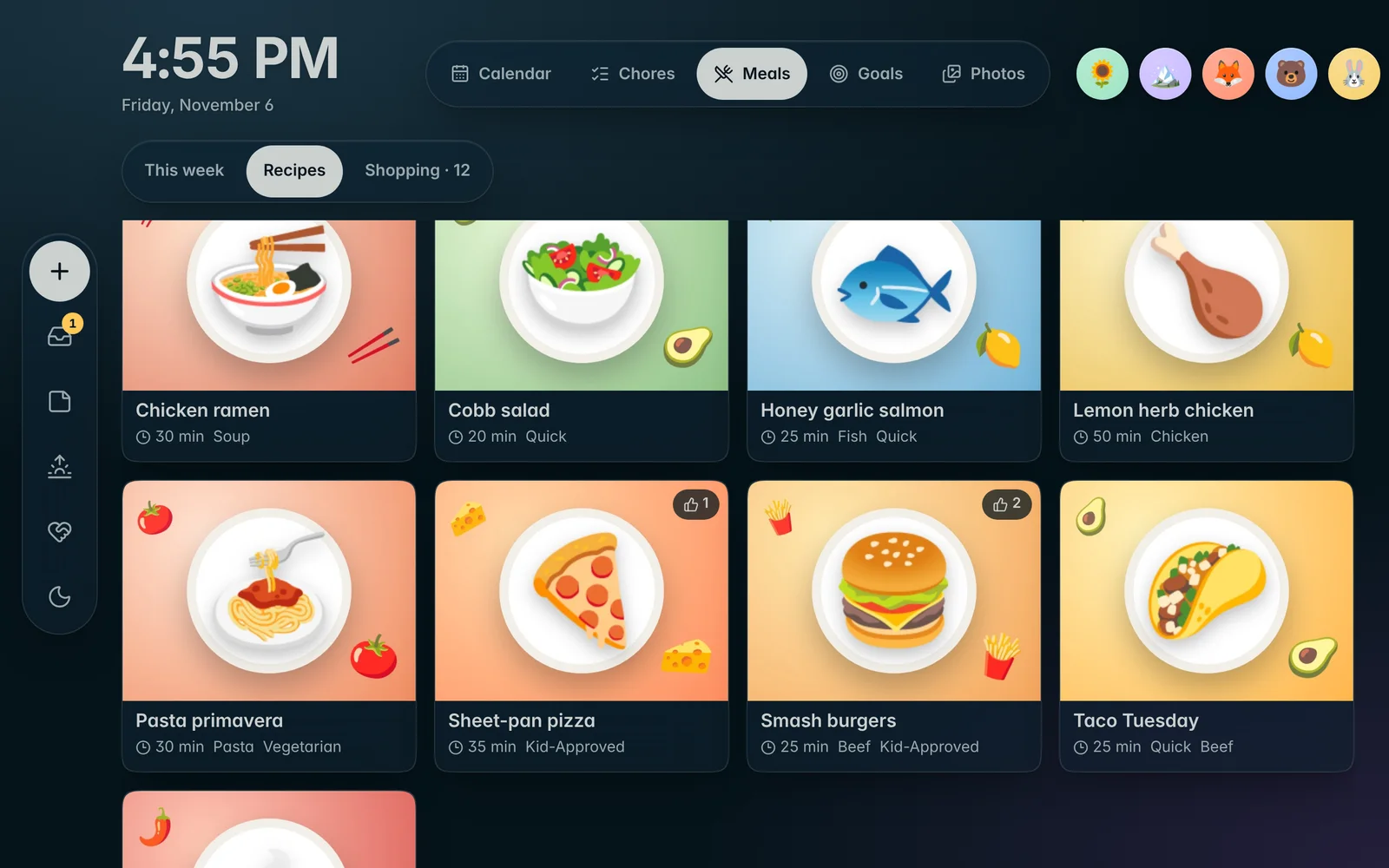
Dinner, sorted. Every night.
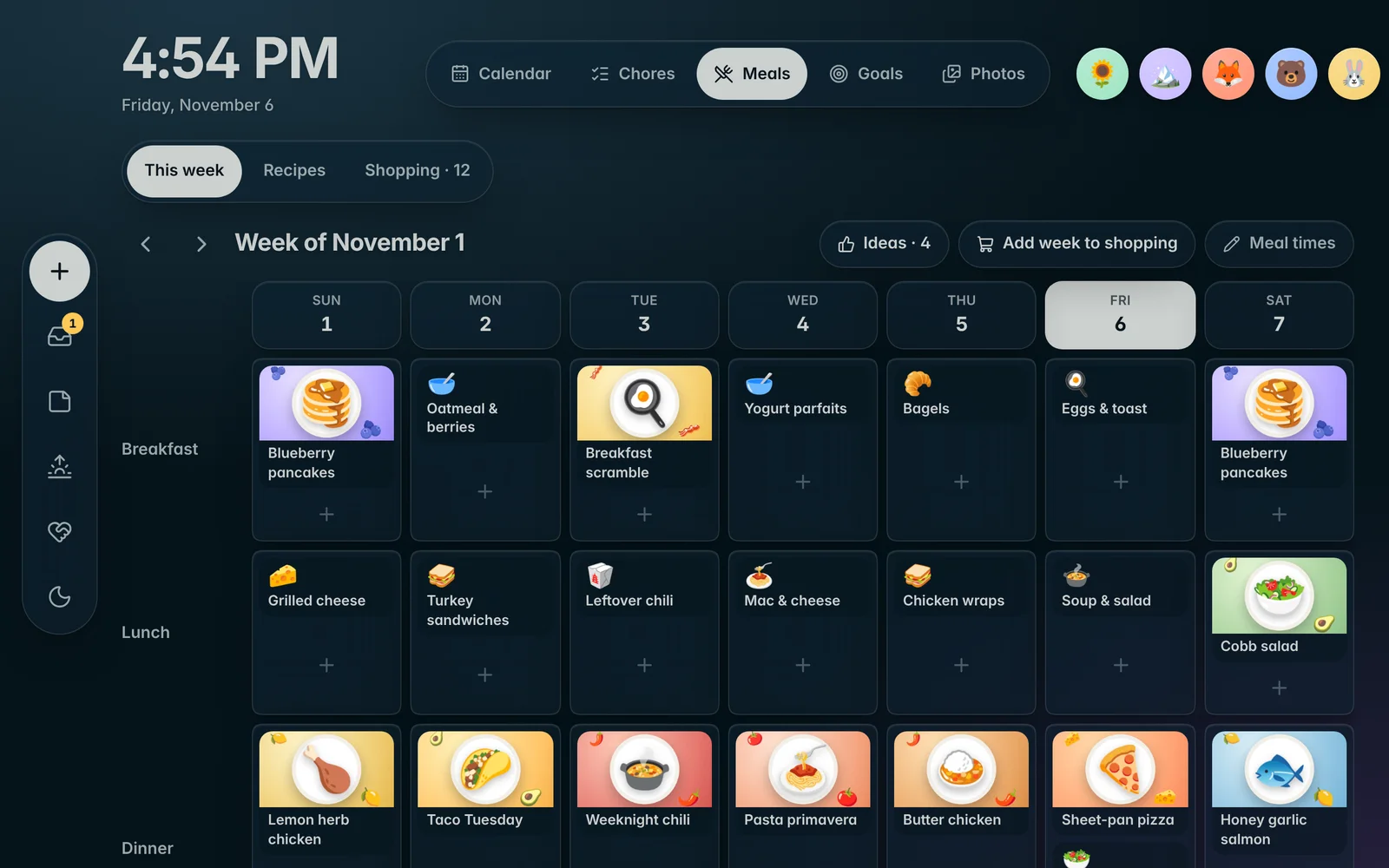
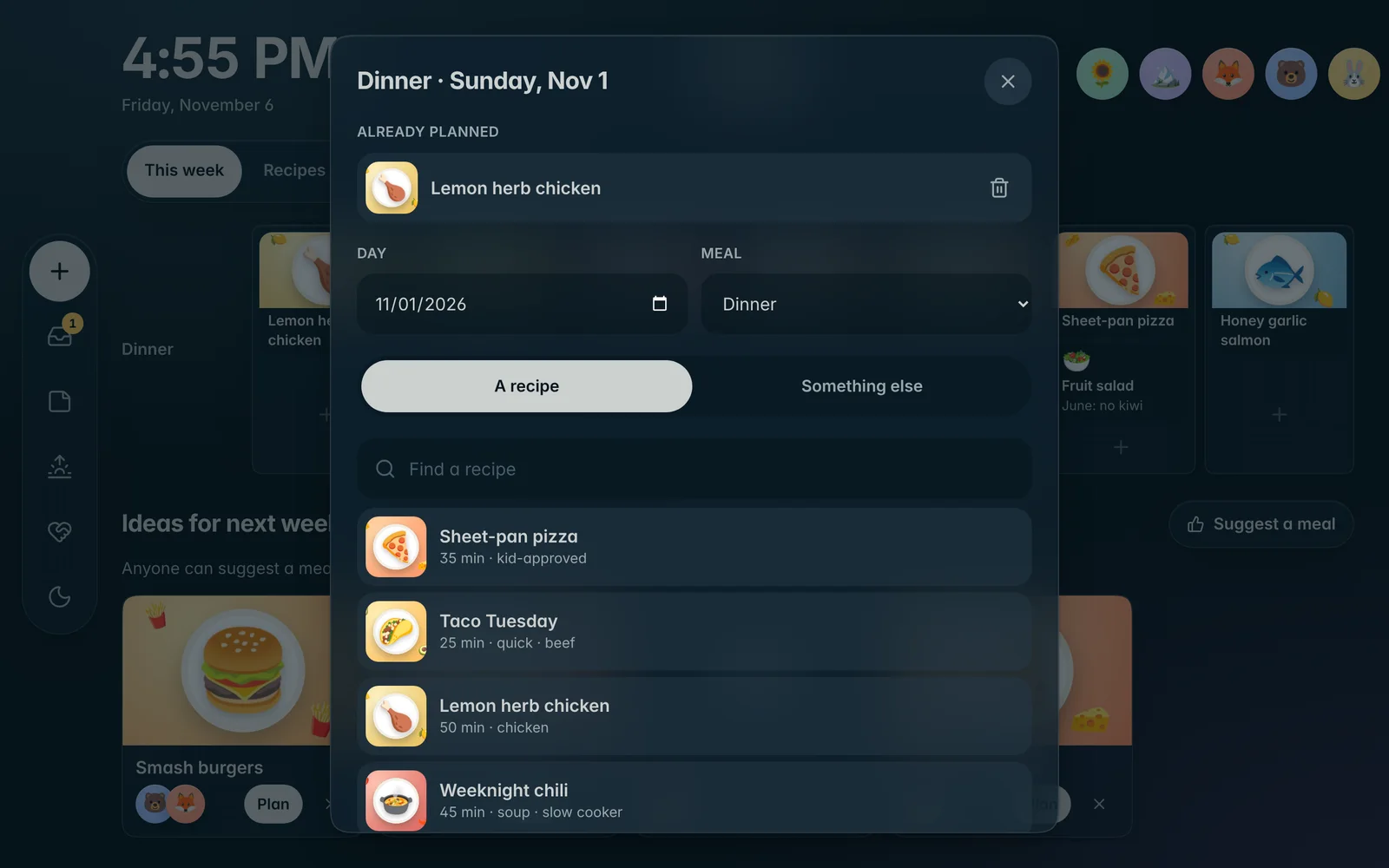
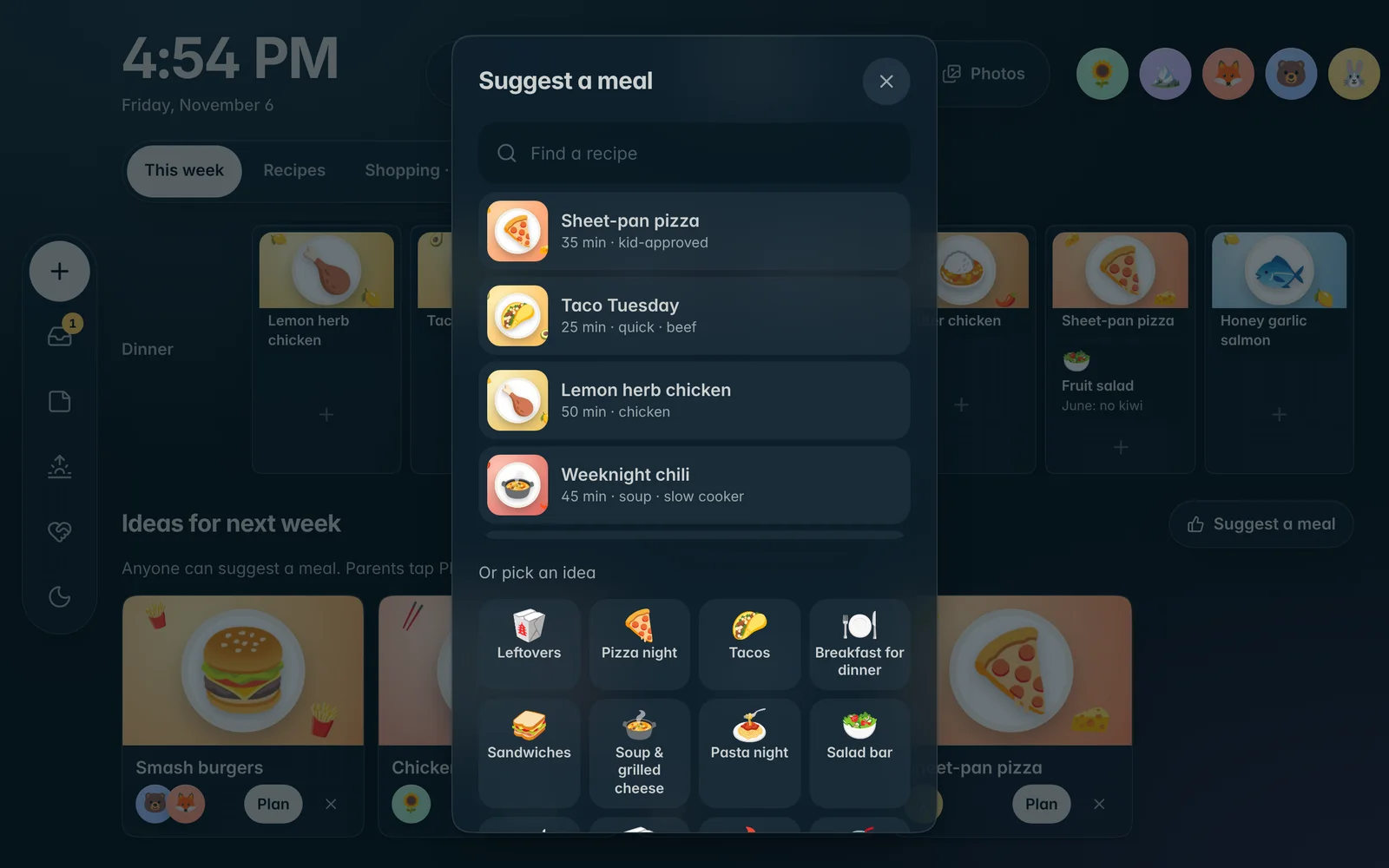
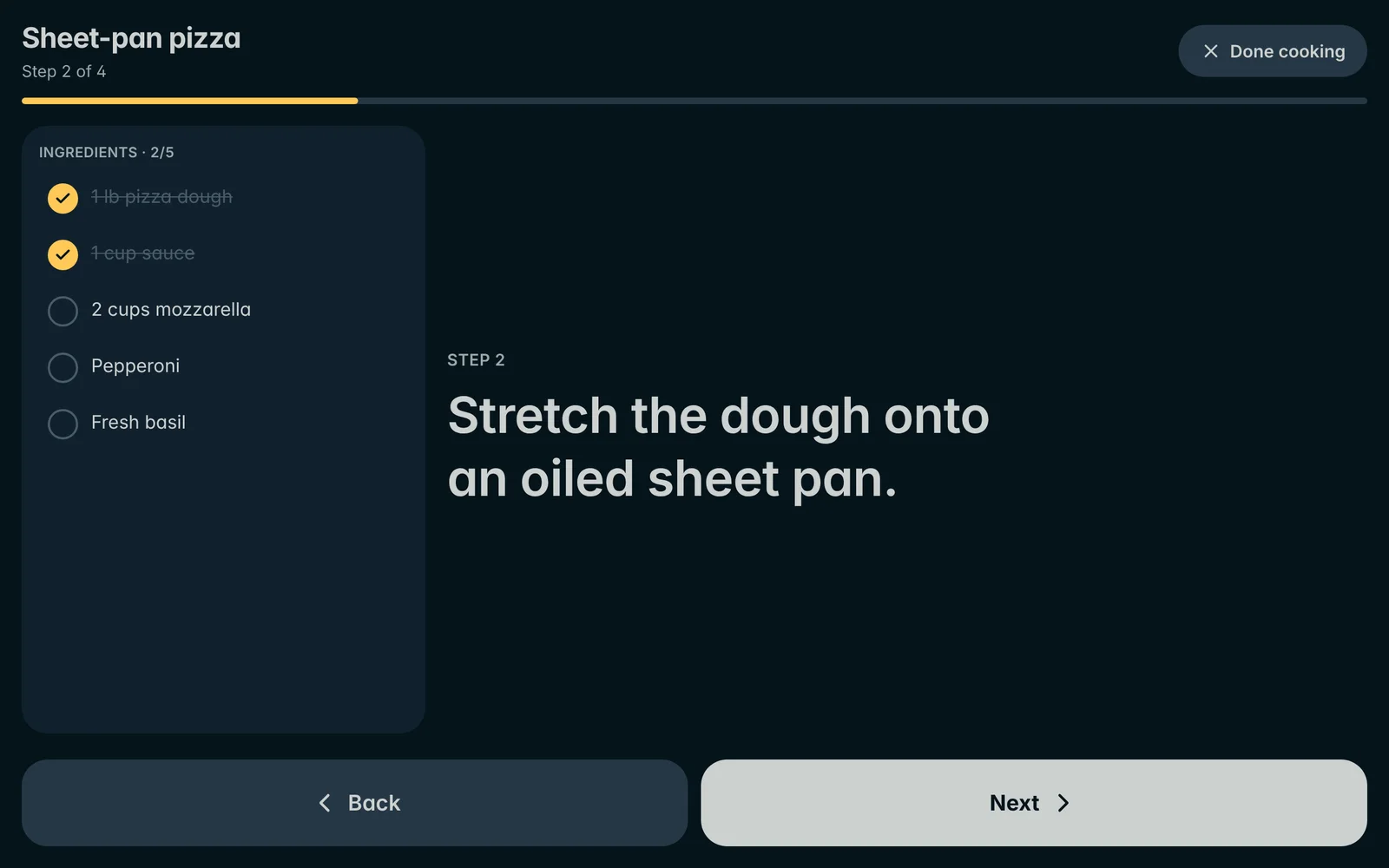
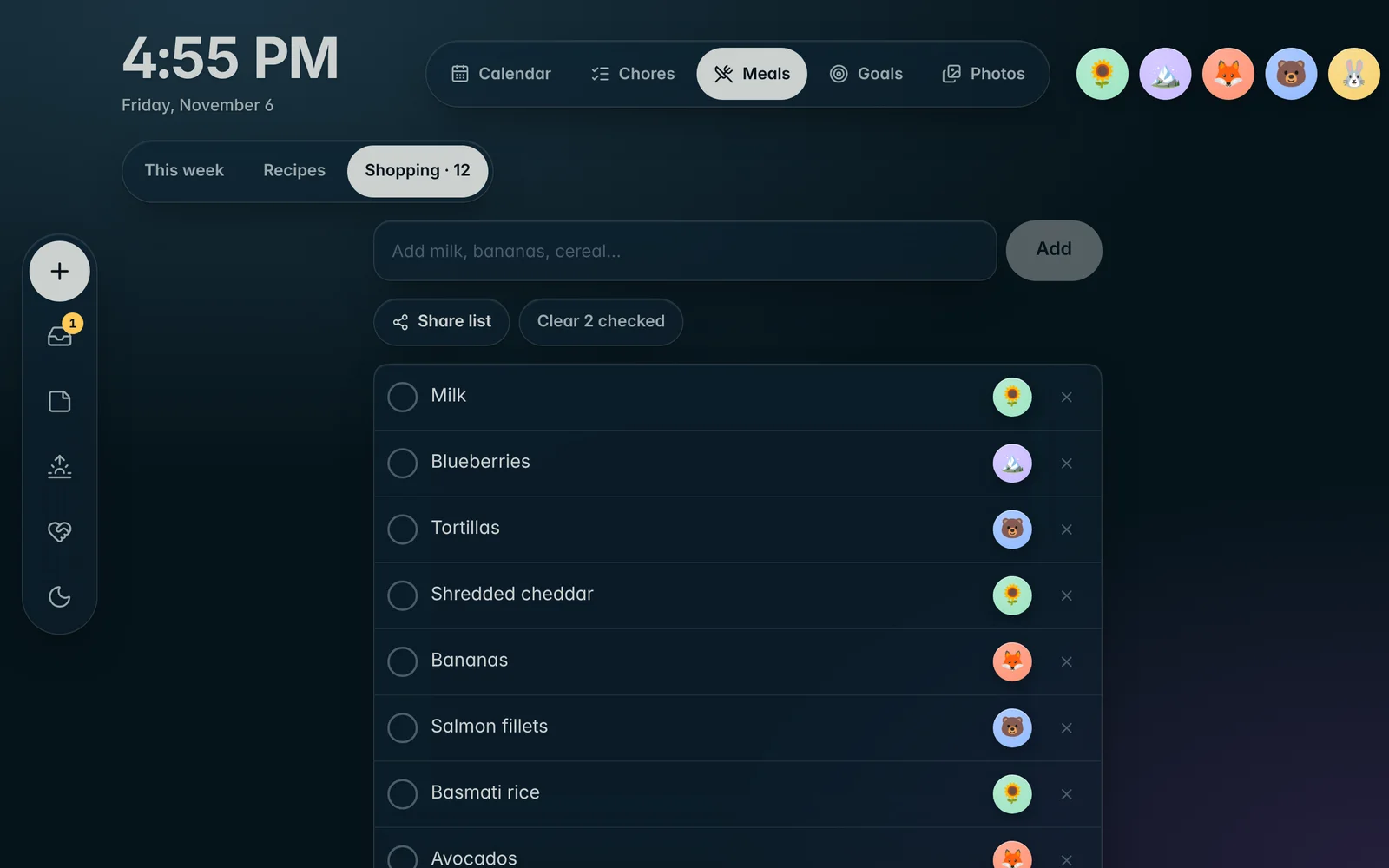
Plan the week, keep the recipes your family loves, and let everyone weigh in. Then cook it step by step, right from the wall.
Your day
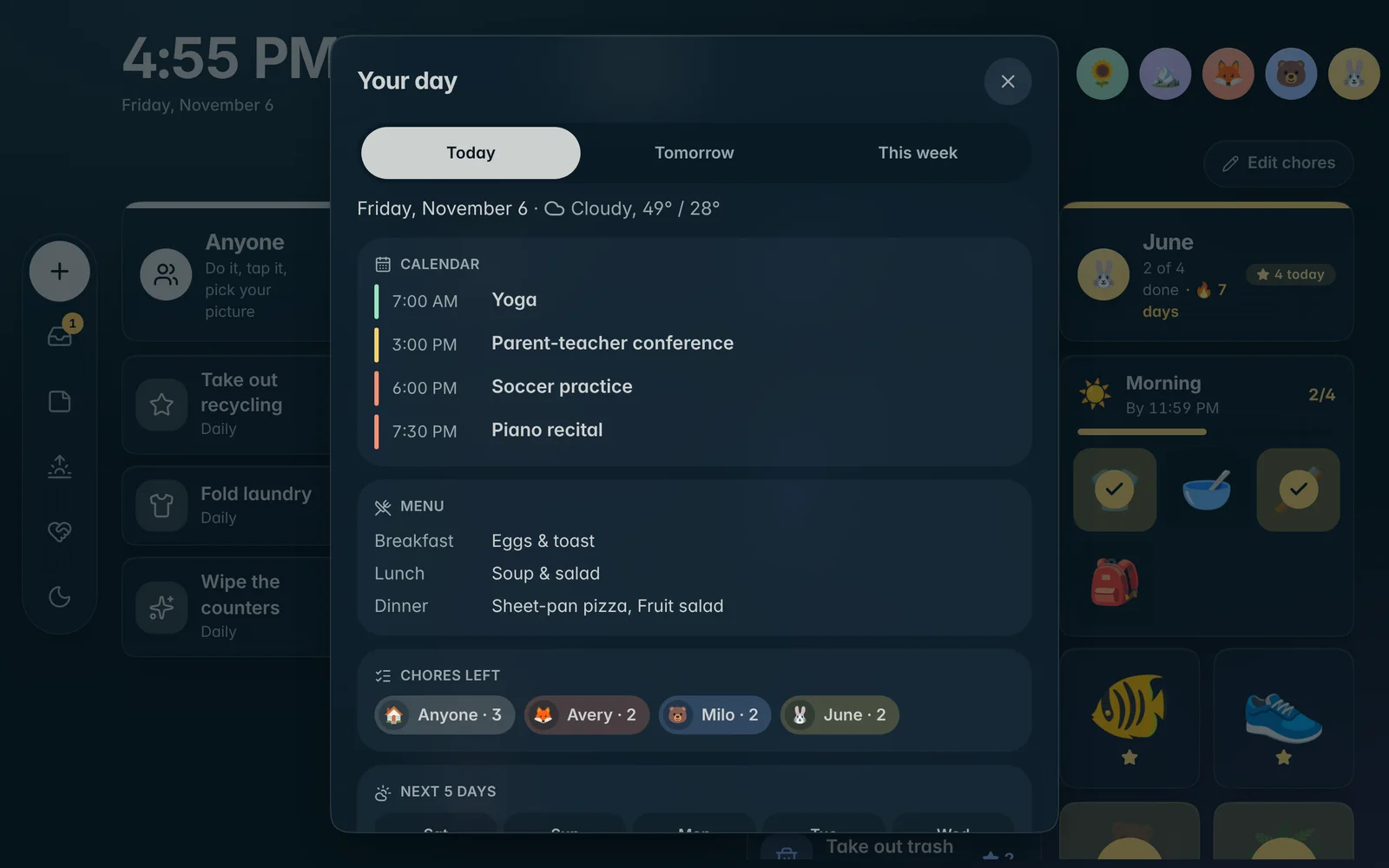
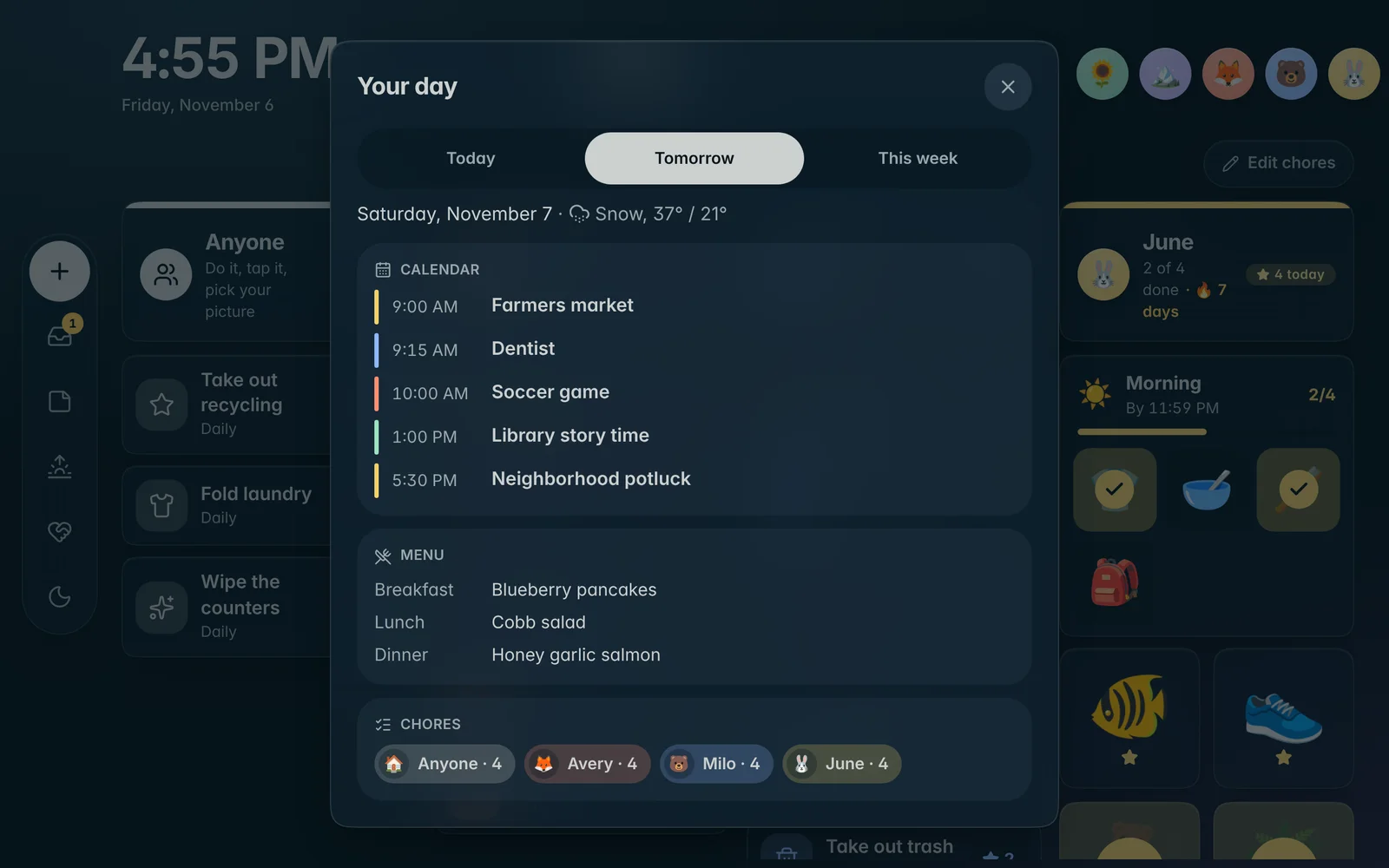
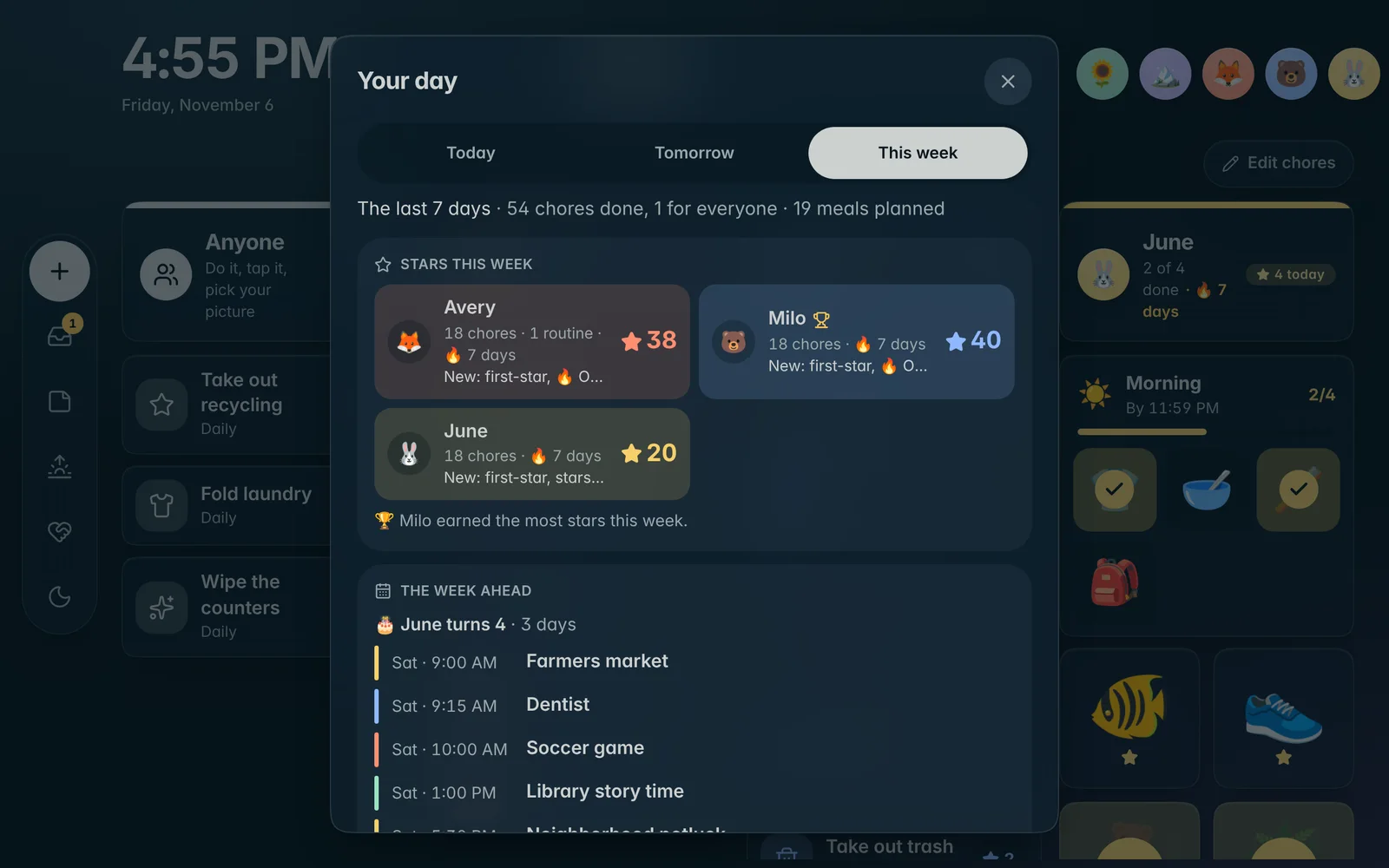
The family briefing, any time.
One tap shows what’s happening today, what’s coming tomorrow, and how the week went. On Sundays it opens on the weekly recap by itself.
Photos & screensaver
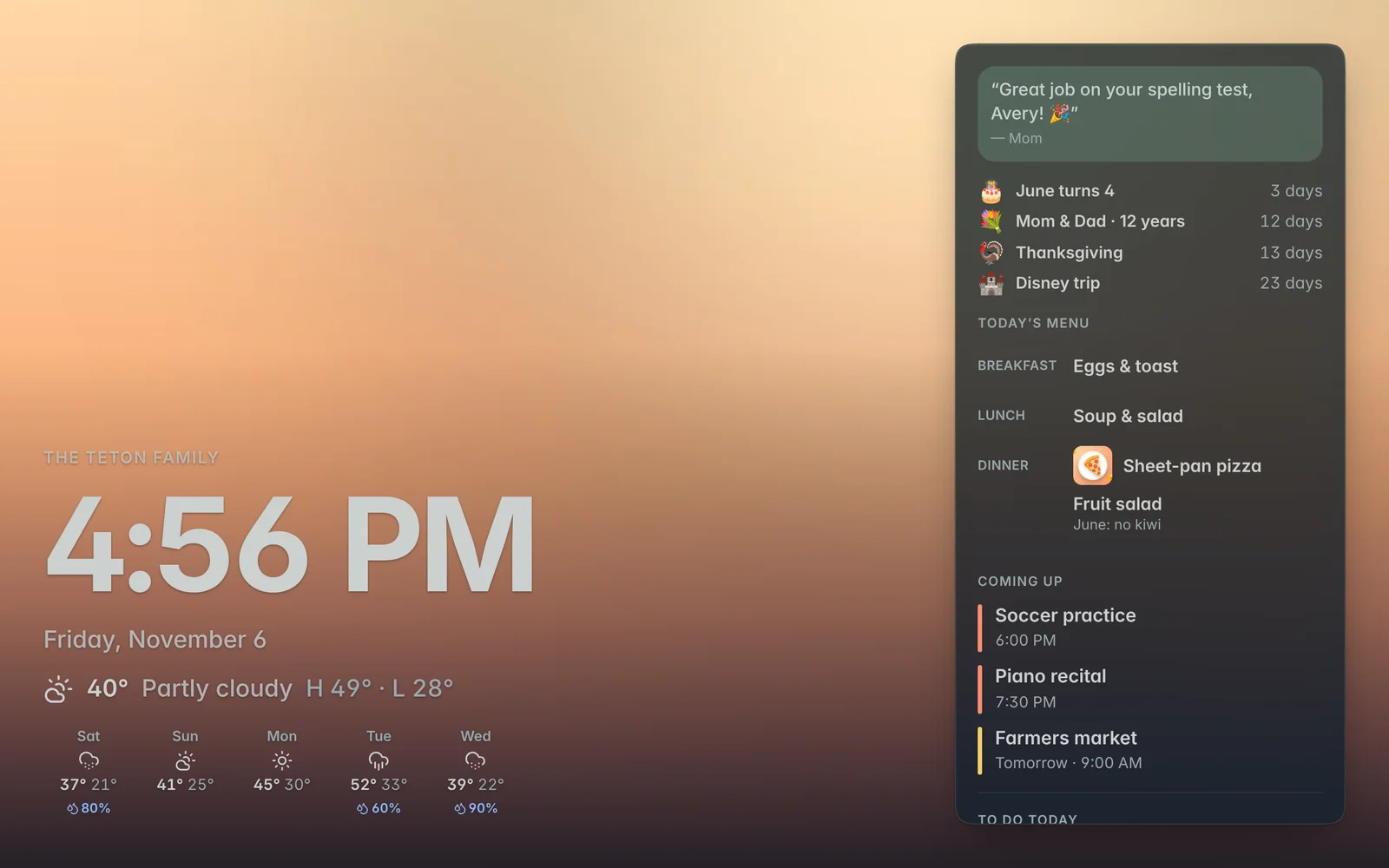
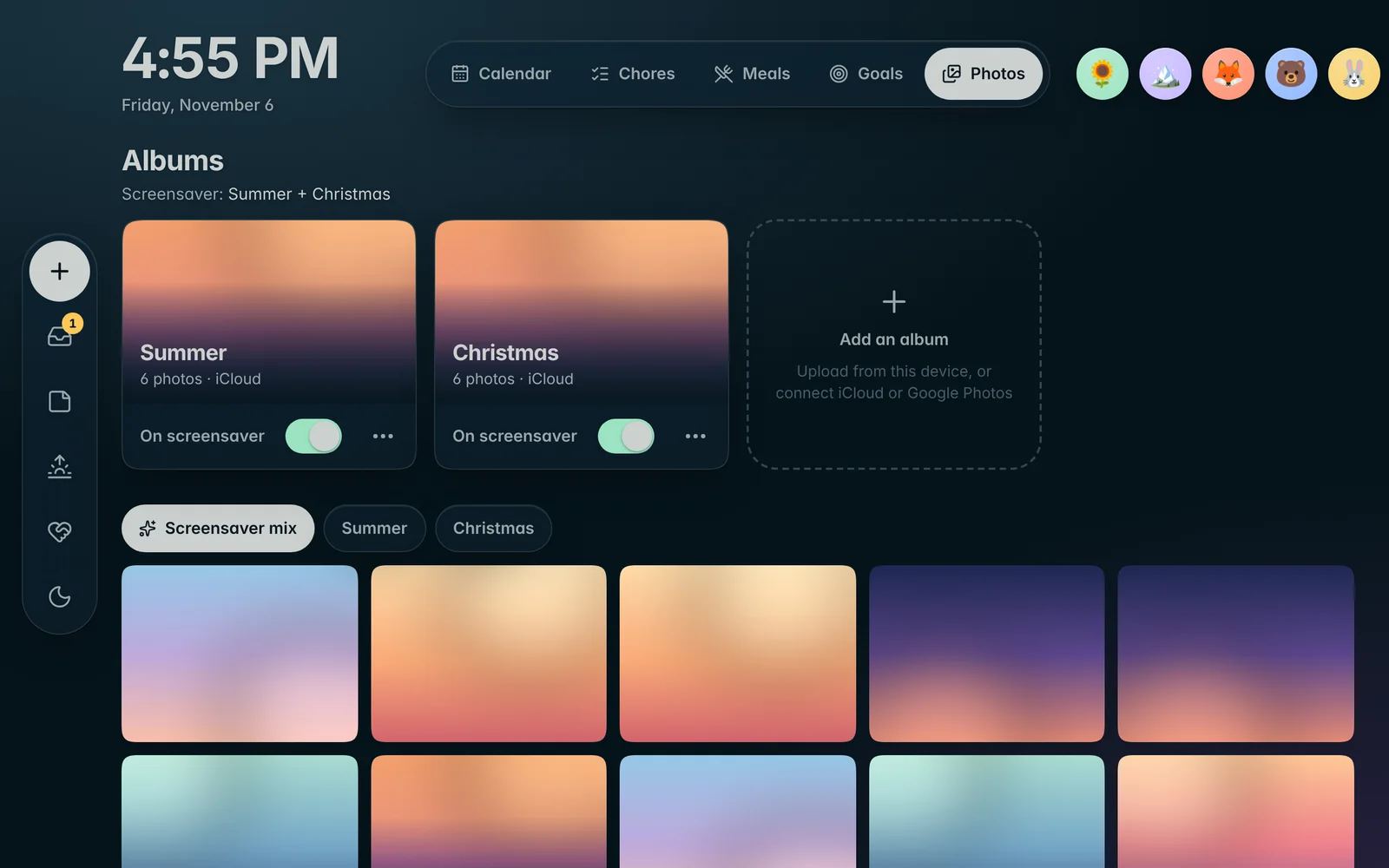
A beautiful screen, even when nobody’s using it.
When the kitchen goes quiet, Novari becomes a photo frame with a clock, the forecast, the next few events and anything still to do. Swipe through photos whenever you like.
Night mode
A dim clock overnight, so the screen never lights up the house.
Family board
Notes, countdowns to trips and holidays, birthdays and anniversaries. See it
Calm by default
Photos play on the screensaver. Turn them on behind the dashboard if you like.
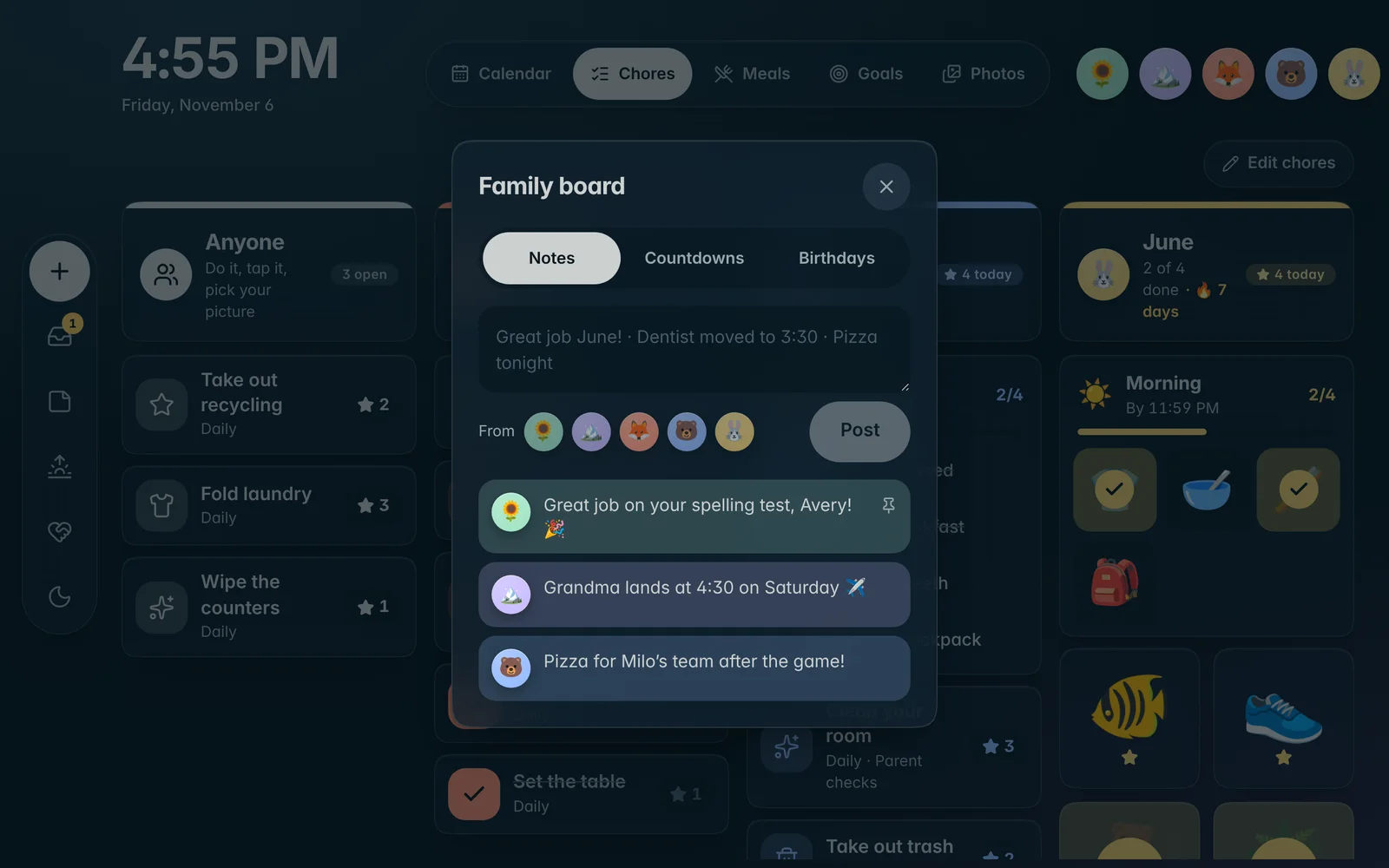
Family board
A note on the fridge, upgraded.
Leave a note for everyone, count down to the big trip, and never miss a birthday. Notes show on the screensaver too.
- Notes from anyone, kids included
- Countdowns to trips and holidays
- Birthdays and anniversaries, with ages
Babysitter card Plus
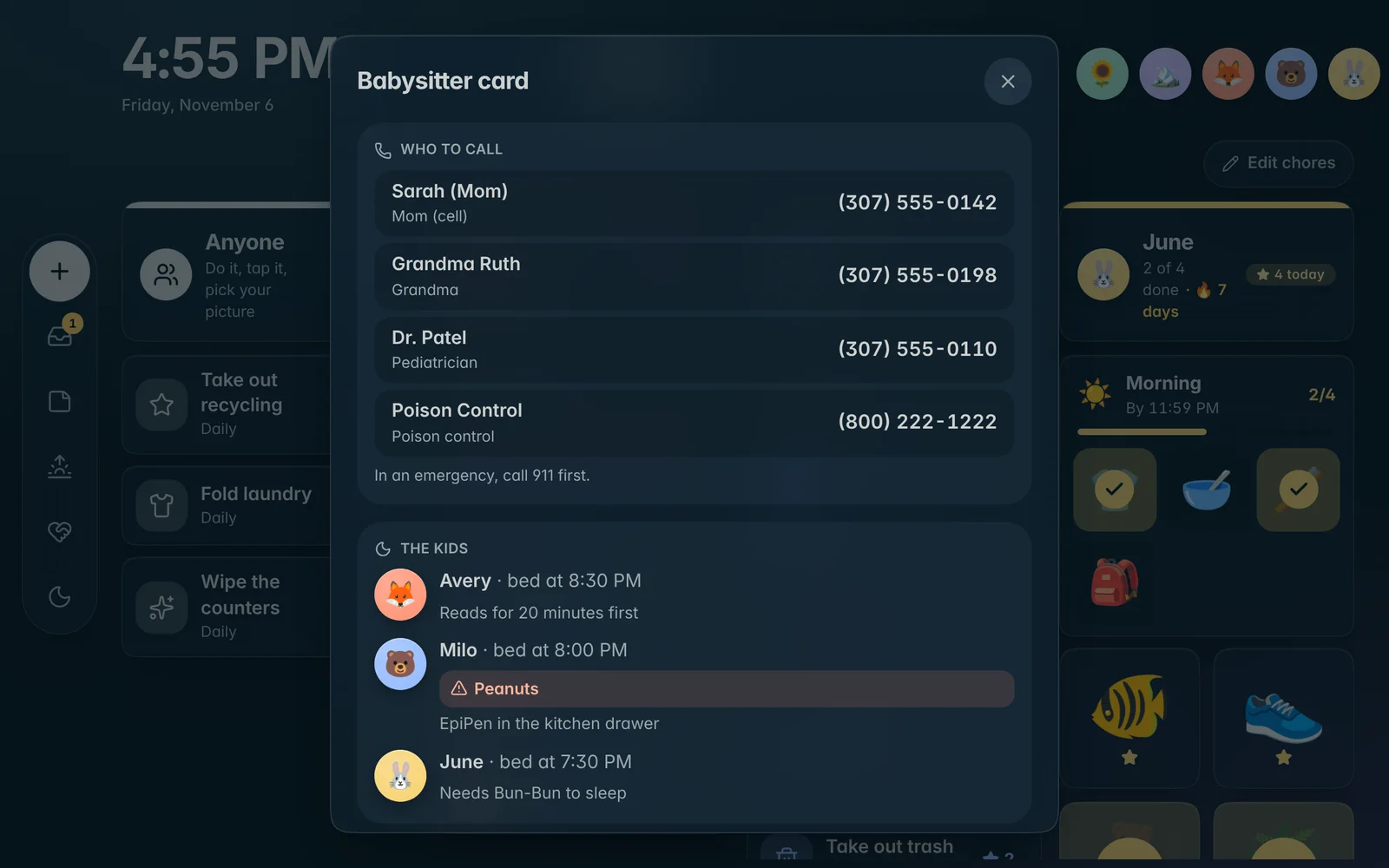
Everything the sitter needs. Nothing to print.
Fill it in once. Whoever’s watching the kids gets the essentials with one tap on the wall.
- Who to call, from parents to the pediatrician
- Each kid’s bedtime and notes
- Allergies shown in color, so they can’t be missed
- Wi-Fi, the address and house notes
Phones, Siri & every screen
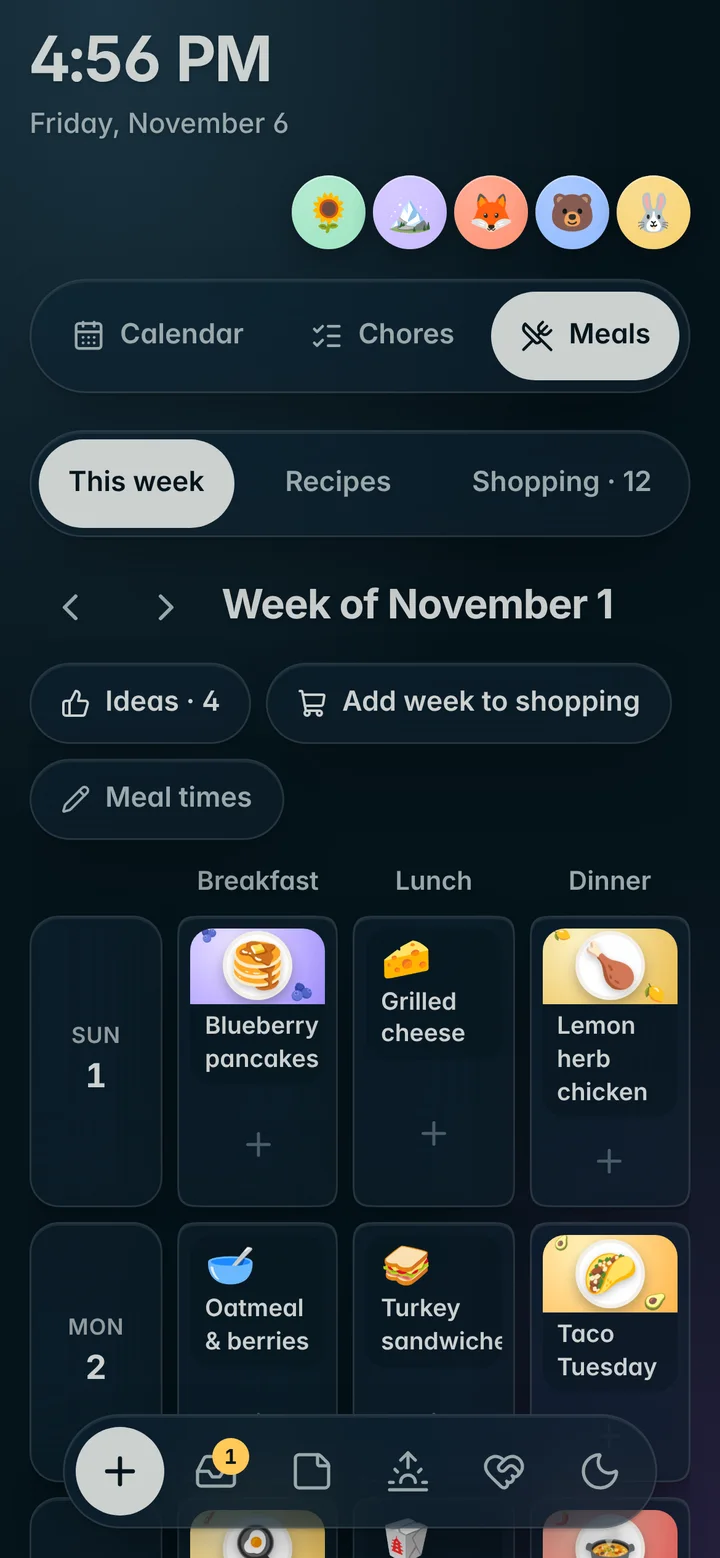
On the wall. In your pocket.
Everything on the wall is on your phone too, and it all stays in sync. Run Novari on up to five screens, any size, any way up.
“Hey Siri, add milk”
Add to the shopping list, post a note, or hear today’s summary with Siri on iPhone.
Parent notifications
Know when a chore needs your OK, right on your phone.
Keeps going offline
Each screen keeps its own copy and catches up when Wi-Fi is back.