How it works
Up and running
before dinner.
No box to unpack, no cables, no new device. Just the screens your family already has.
Add your family.
Grown-ups, kids, their favorite colors and a picture to tap. Parents set a PIN; kids never need one.
- Picture mode for little ones who can’t read yet
- Pick the chores, routines and goals you want to start with
- A quick tour shows everyone around
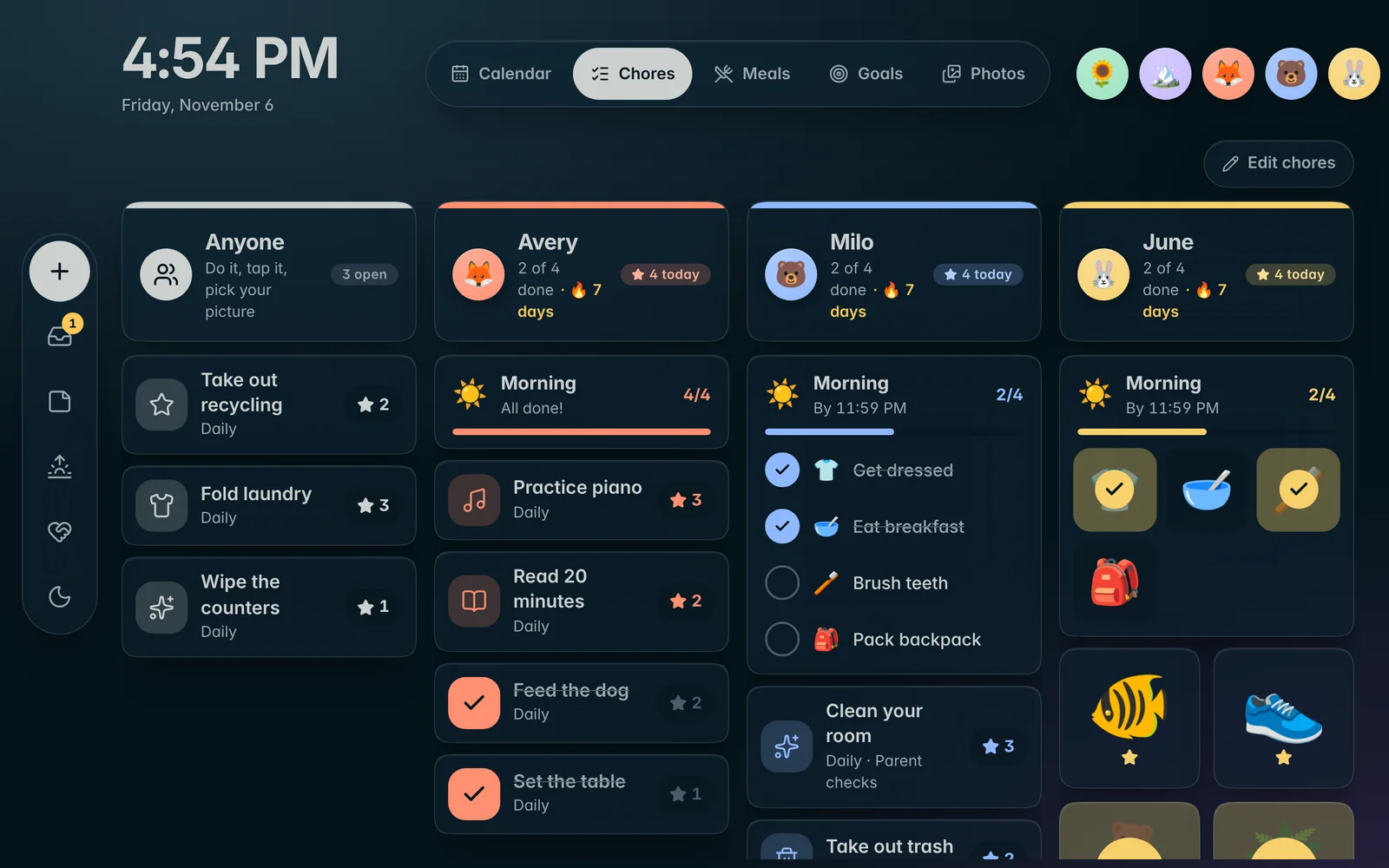
Connect what you already use.
Paste in your Apple or Google calendar links and a shared photo album. Novari keeps everything in sync on its own.
- Apple iCloud and Google calendars
- Shared iCloud albums, Google Photos, or uploads from your phone
- Your town for weather and the five-day forecast
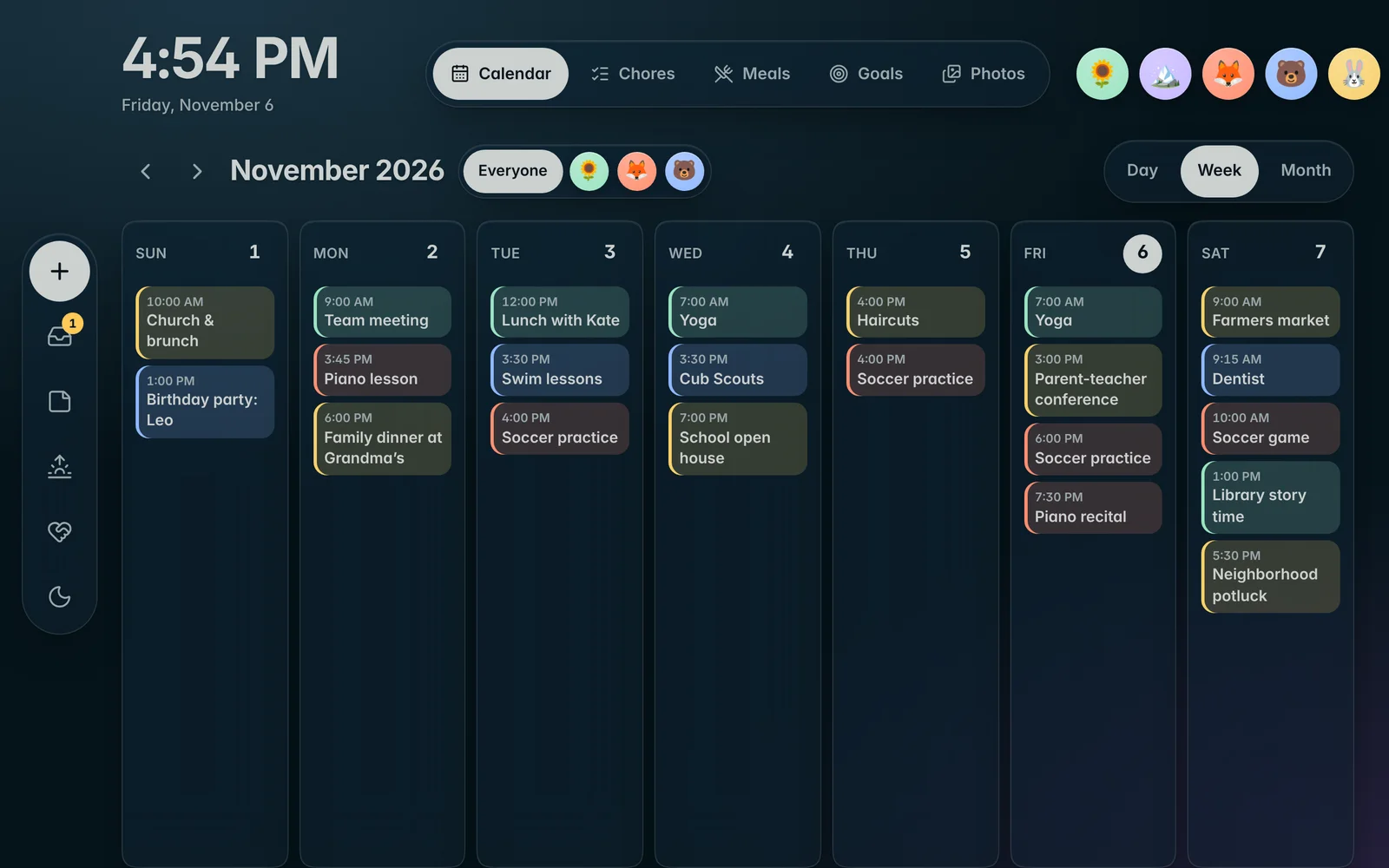
Put it on any screen.
Open your family’s private screen link on the one you want on the wall, and you’re done. Add phones for everyone else.
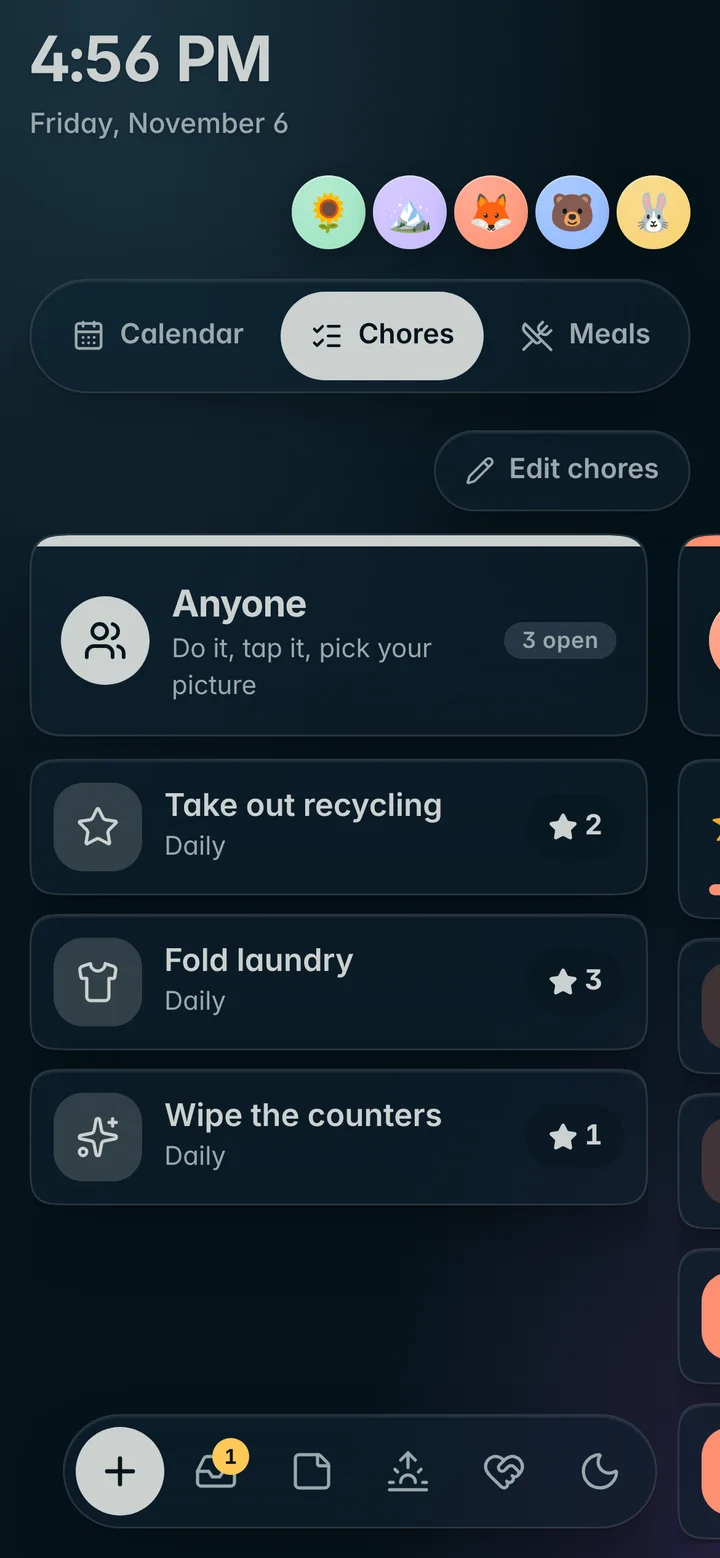
- Landscape or portrait, any size
- The screensaver takes over when the room is quiet
- Night mode dims everything overnight
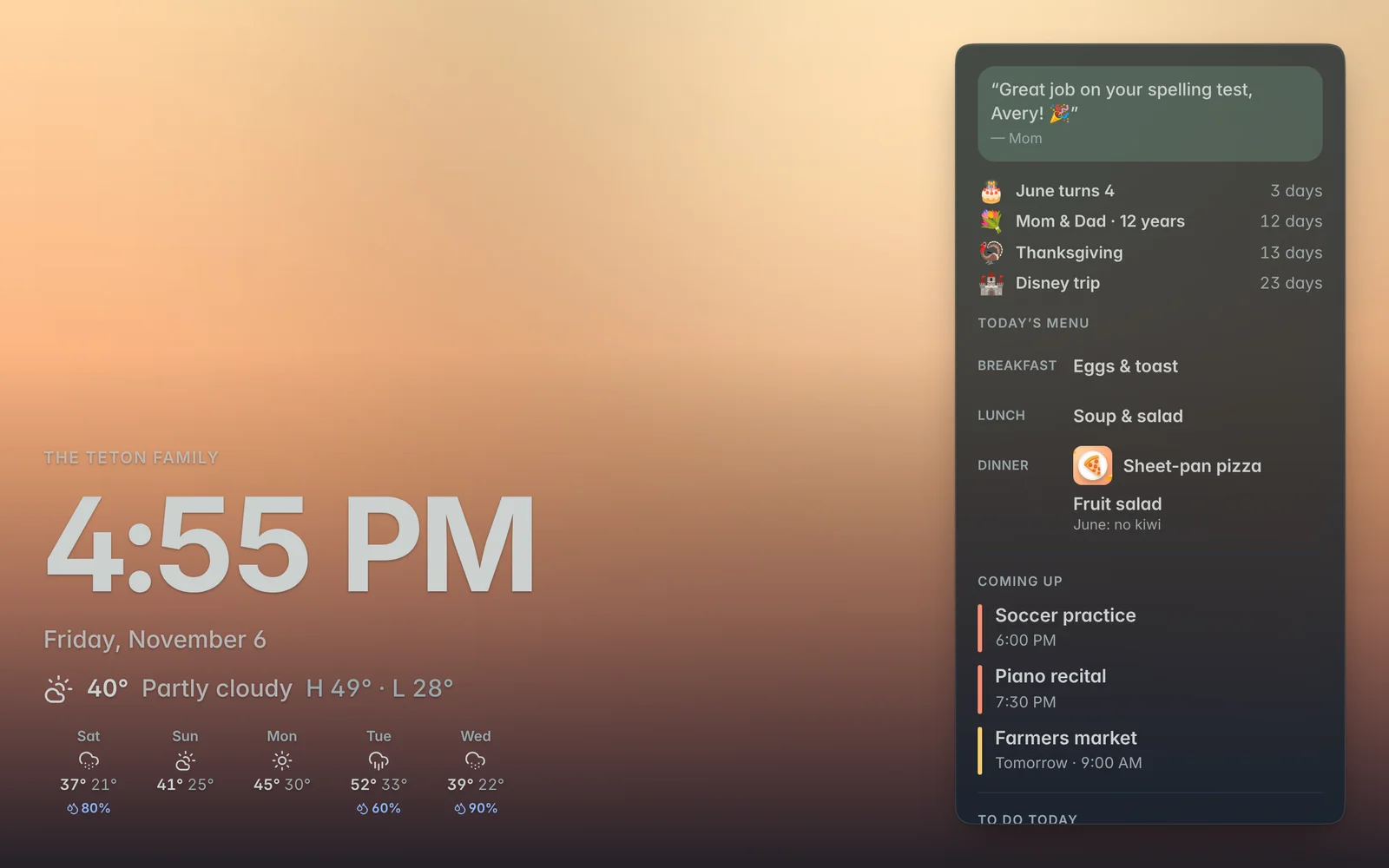
Works on
The screens you already own.
If it has a web browser, it can run Novari.
TabletsiPad, Android or Fire, on a stand or on the wall
TVs & monitorsA spare monitor or a smart TV browser
ComputersMac and PC, with a screensaver on Plus
PhonesiPhone and Android, for everyone in the family
Every screen in sync
Change it anywhere. See it everywhere.
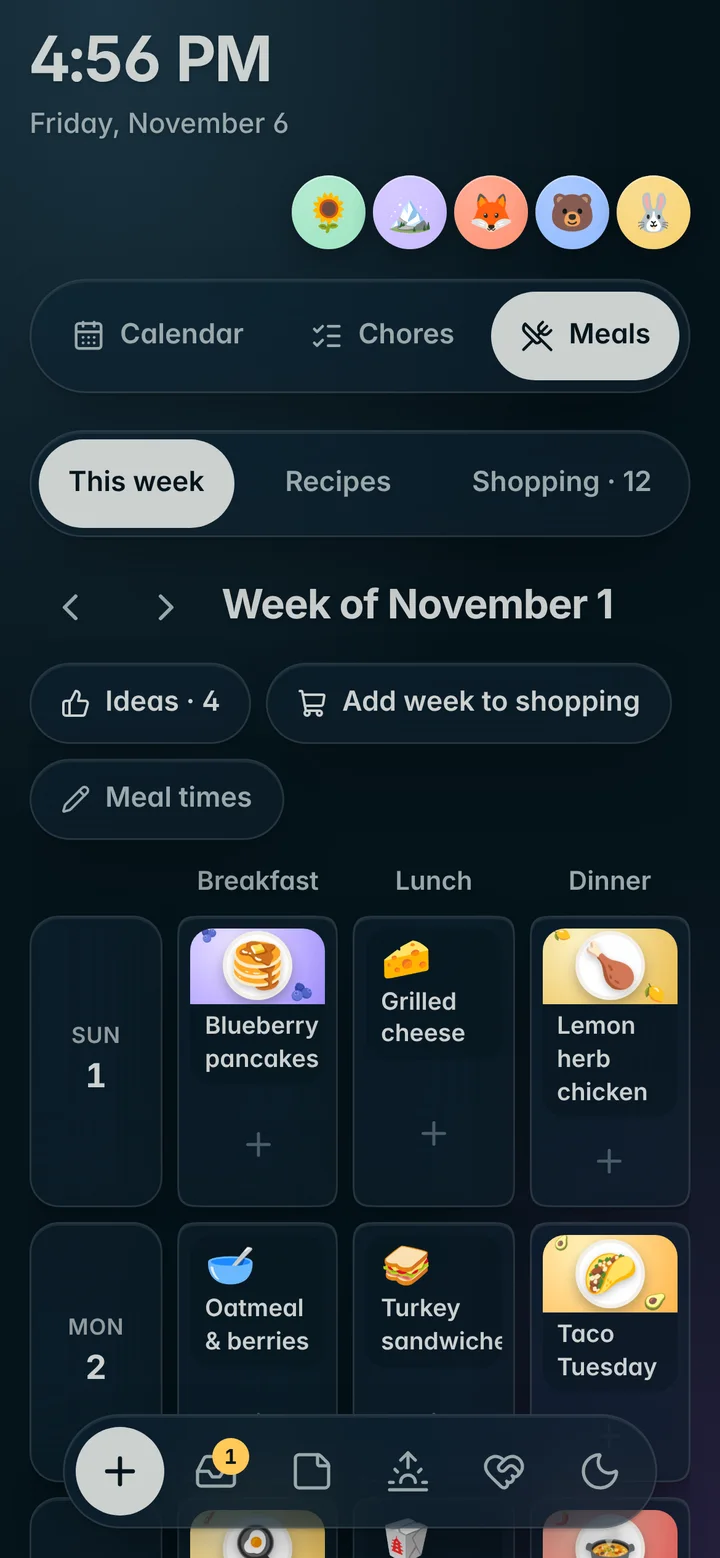
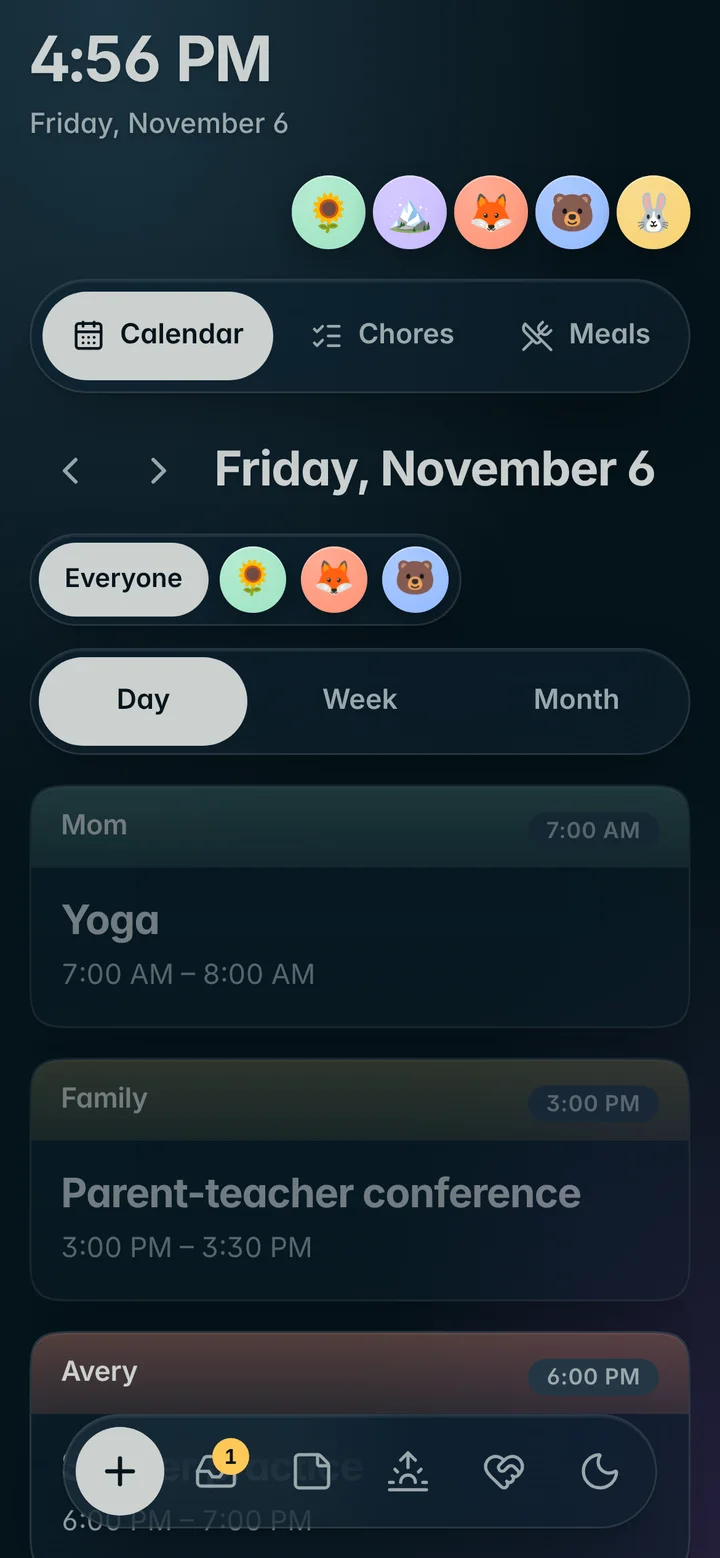
Check off a chore on the wall and it’s done on Mom’s phone. Add milk from the car and it’s on the kitchen list. Each screen keeps its own copy, so it keeps working through Wi-Fi hiccups.
What you need
A short list.
| A screen | Any tablet, TV, monitor or computer with a modern web browser |
|---|---|
| Wi-Fi | To sync. Novari keeps running if it drops for a while |
| Your calendars | Optional. A shared or public link from Apple or Google Calendar |
| Your photos | Optional. A shared iCloud album, Google Photos, or uploads |
| About 10 minutes | That’s it |